
QR code Included with every profile
Each profile has its own QR code. Show it on your phone, or print it on a business card, badge, flyer, poster or email signature.
Digital business cards
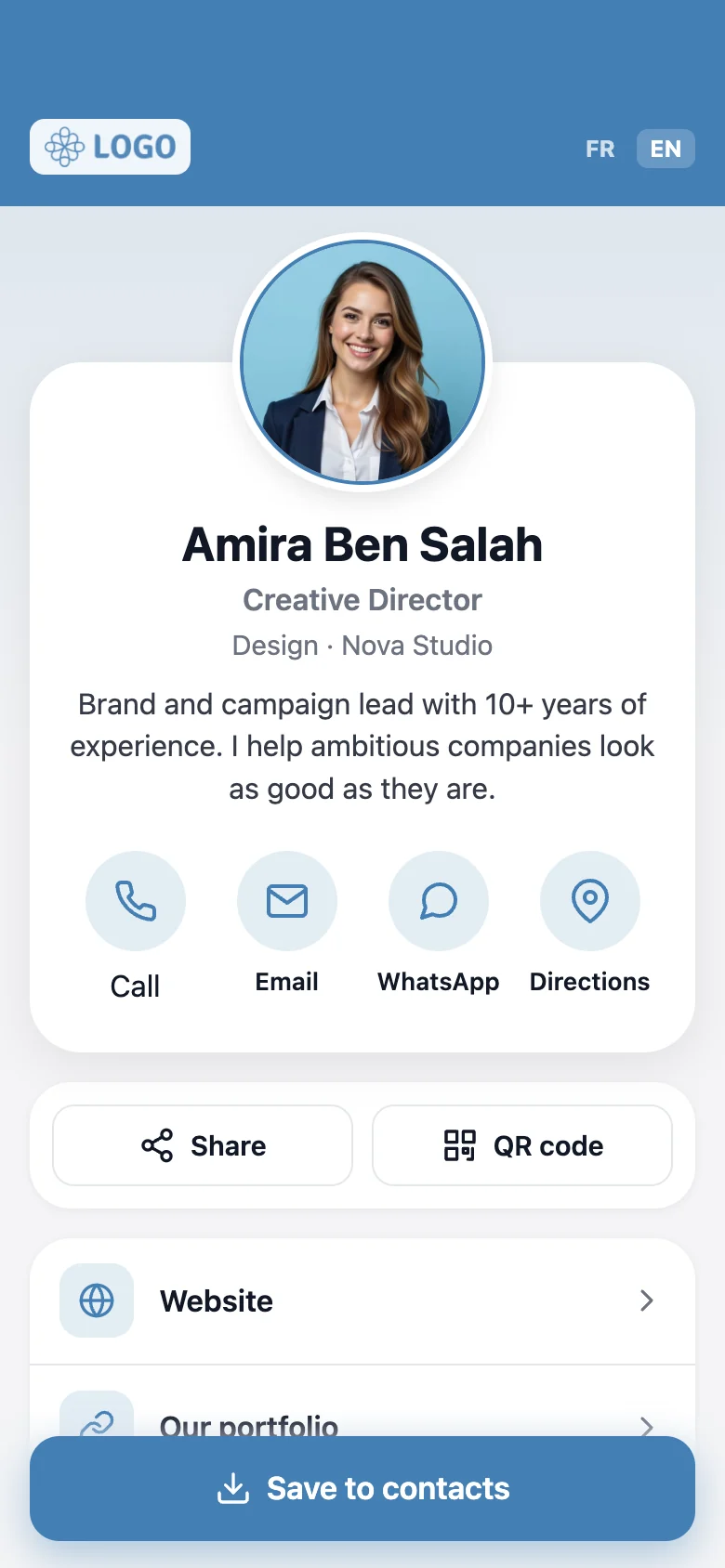
Zidni gives every employee a digital business card: a profile that anyone can open instantly with a QR code, a link or an NFC tag. Your details, your links and a one-tap Save to contacts. No app to install, nothing to print again.
How it works
Add a profile for each employee: photo, role, contact details and links.
Show its QR code, send the link, or tap an NFC tag. Whatever suits the moment.
The profile opens in their browser, then they call, message or save your contact with one tap.
Sharing
No hardware needed to get started. Every profile you create is ready to share the moment it is saved. NFC tags are an optional extra for the tap experience.
Each profile has its own QR code. Show it on your phone, or print it on a business card, badge, flyer, poster or email signature.
Copy the profile link and send it by message, email or social media, or use the Share button on the profile.
Link an NFC tag to a profile for the tap experience: hold a phone near it and the profile opens. Great on cards, badges and desks.

Change a number or a job title once. Every QR code, link and tag shows the latest version, with no reprinting.
Your contacts need no app and no account. It works on any modern phone.
Your logo, your colours, your company page. Every profile feels on brand.
Employee profiles
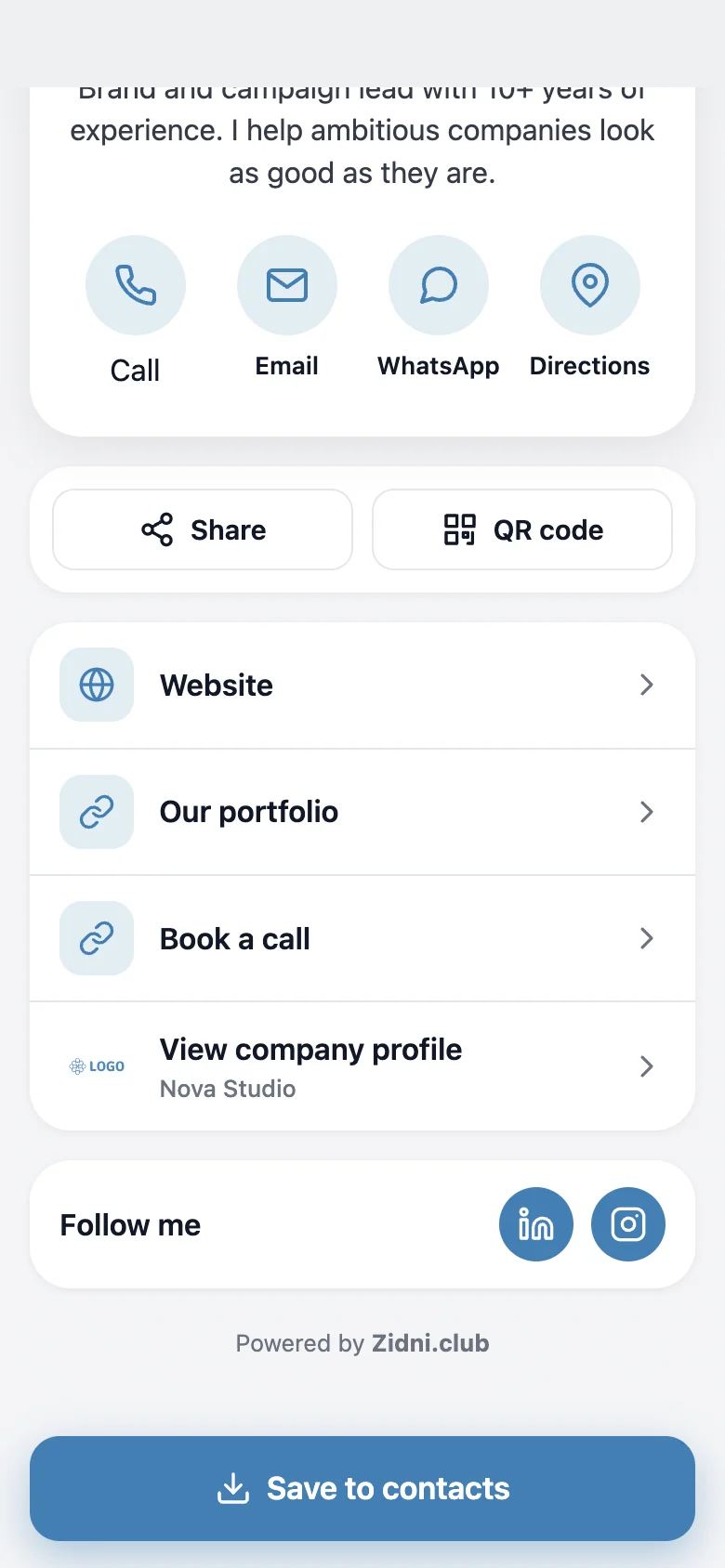
Photo, job title, short bio and every way to reach you, laid out for a phone screen.
Company profile
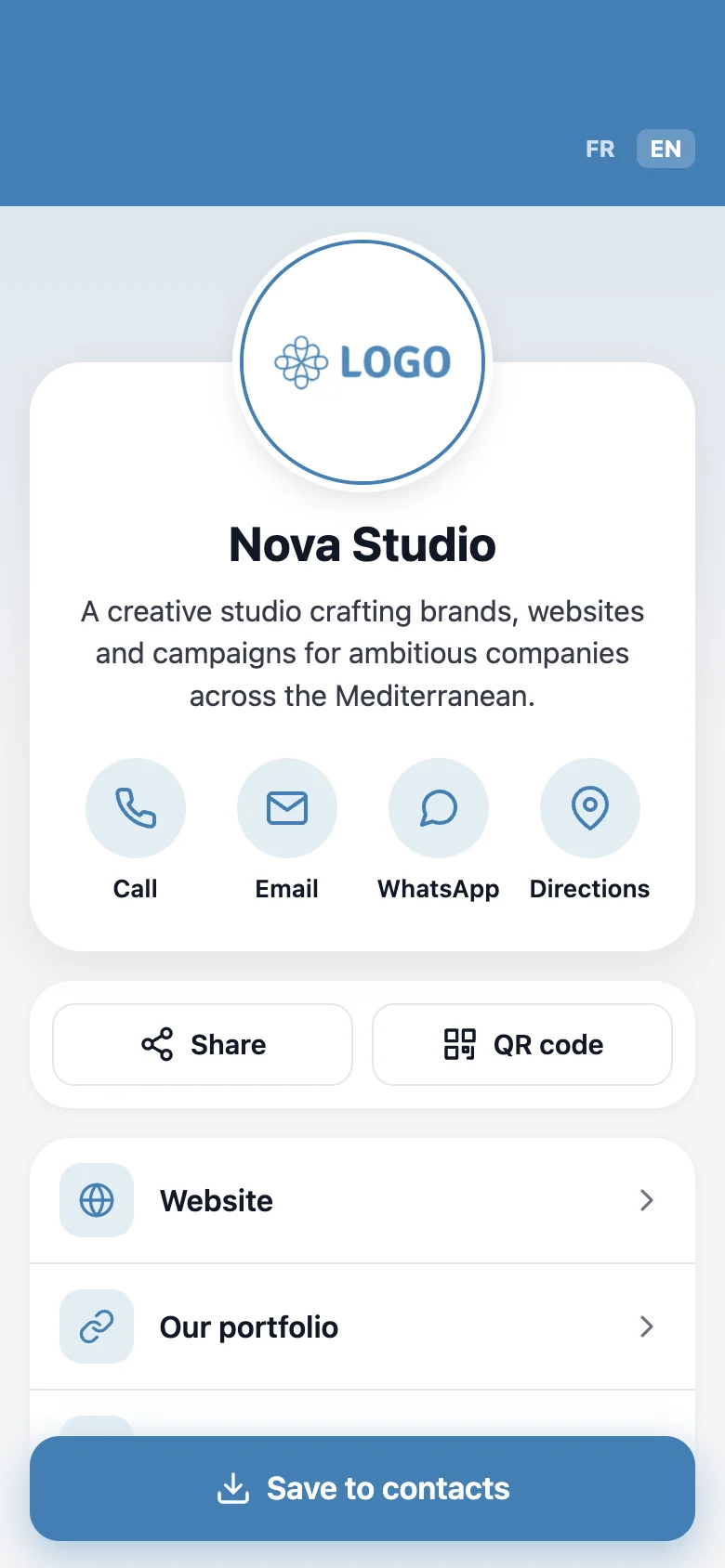
A public page for your business with its own link and QR code. Each employee profile can point to it with a “View company profile” link.
Your brand
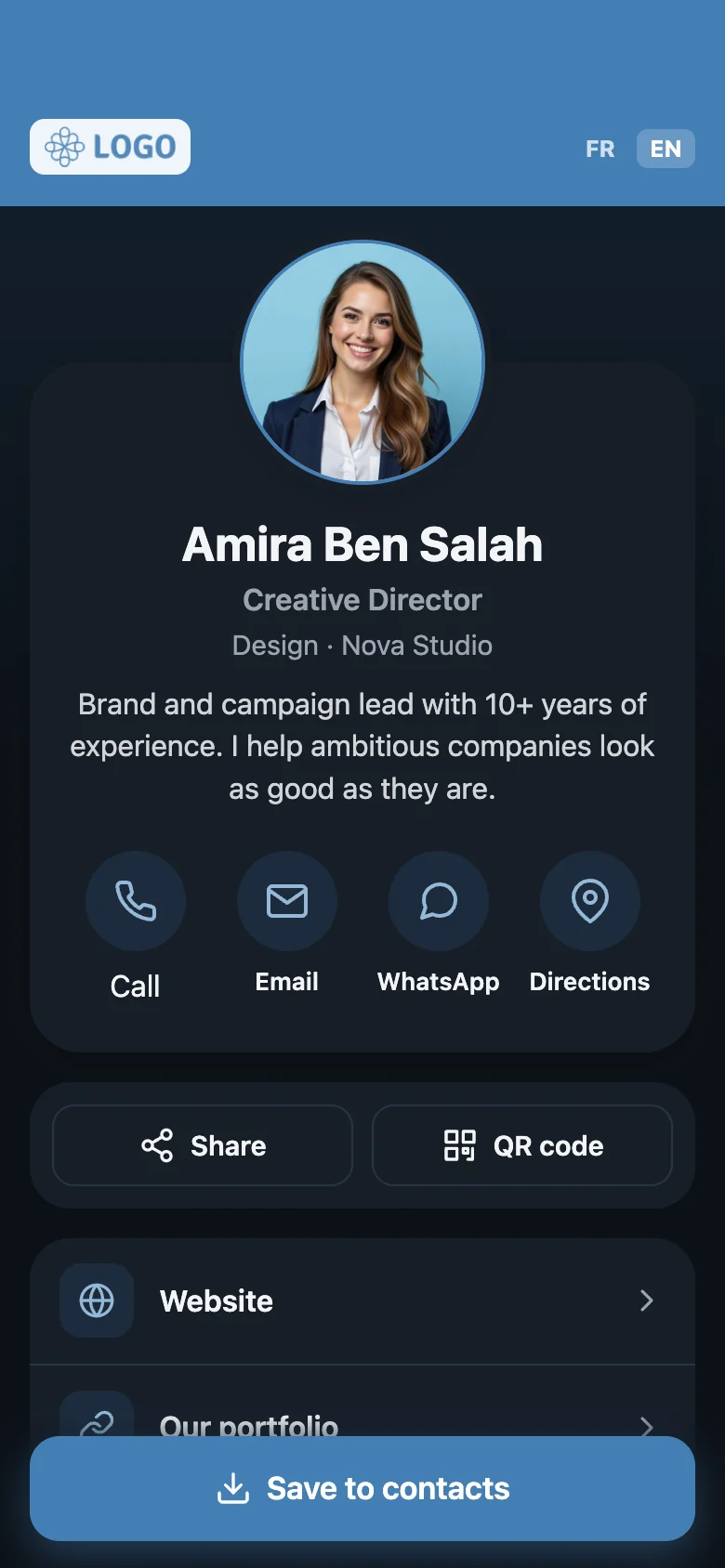
Set your logo and brand colour once and every profile follows. Choose how the banner looks and whether profiles appear in light, dark or automatic mode.
Team management
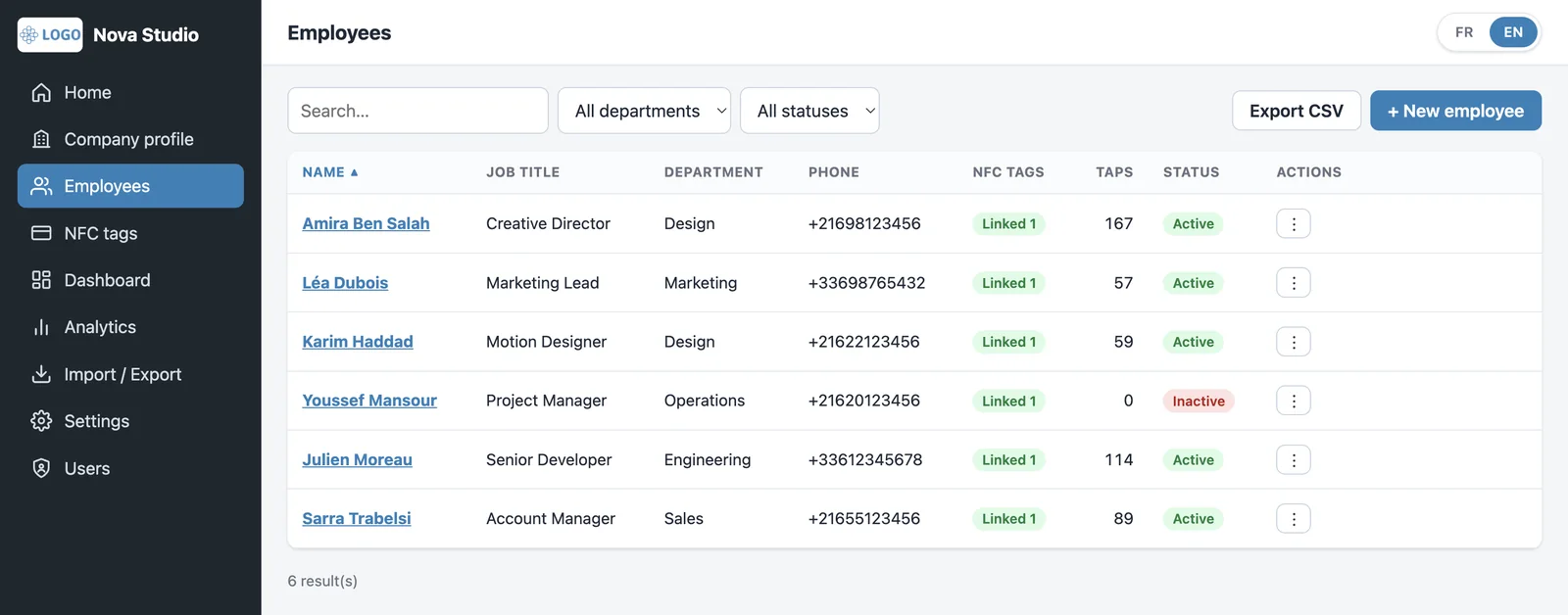
Add people one by one or import a CSV file. Link a tag to a profile, deactivate a leaver in one click, and export your list whenever you need it.
Analytics
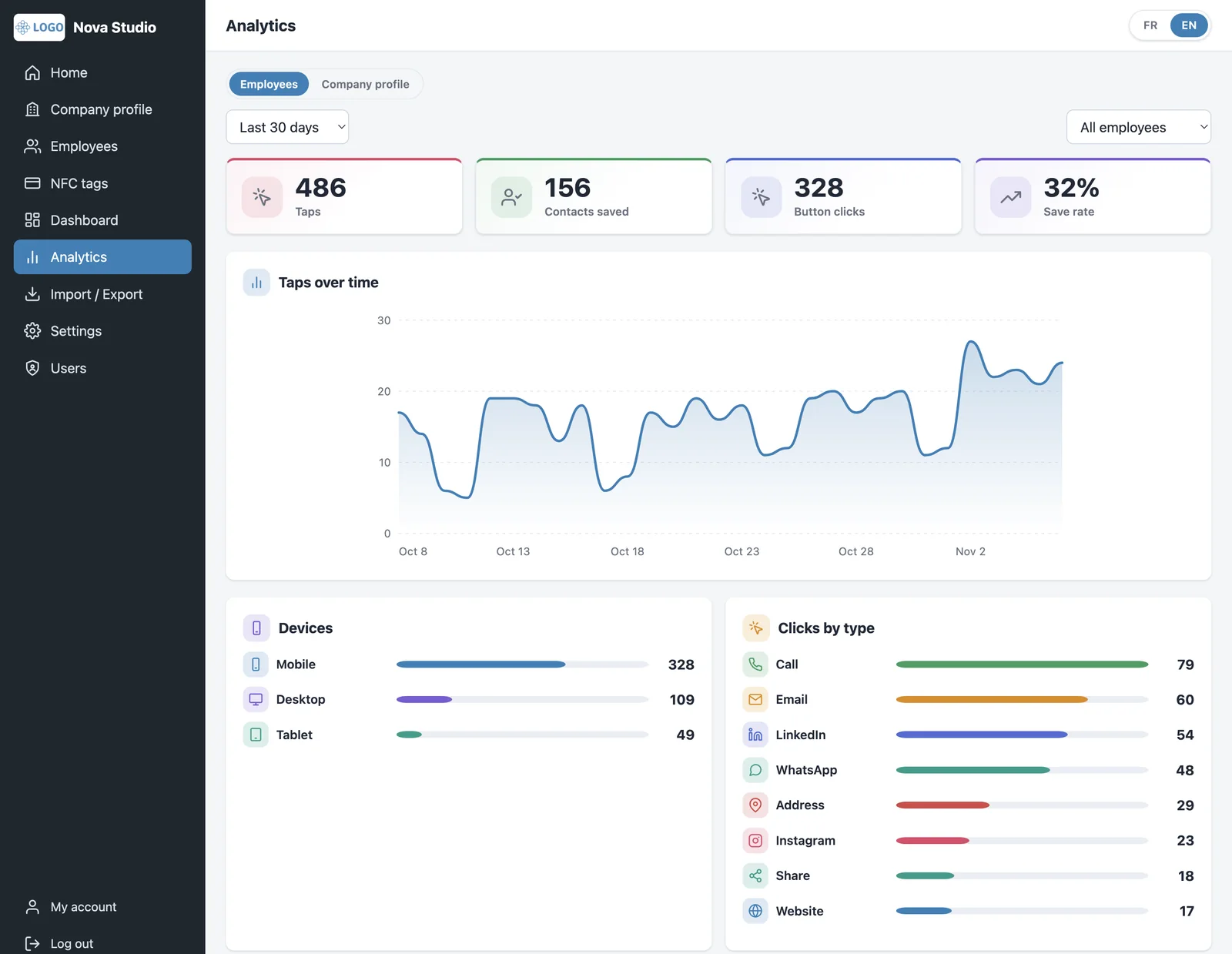
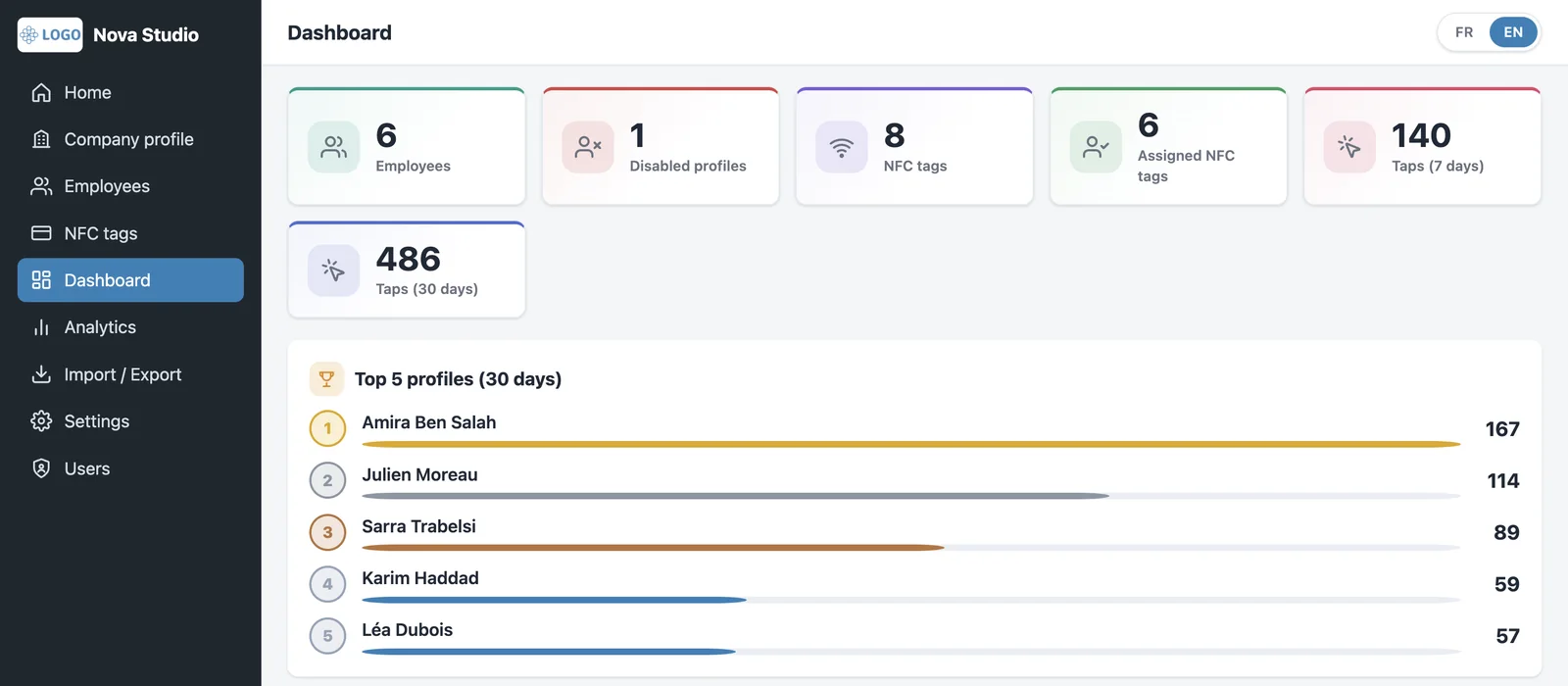
Understand how your profiles are used: taps, contacts saved, button clicks and devices, for each employee or for the company as a whole. Statistics are anonymous, with no personal data about visitors.
Every profile comes with its own QR code and public link, ready to share.
A standard contact card that works with iPhone and Android address books.
Visitors choose which of your two phone numbers to call.
Edit a profile once and every tag shows the change straight away.
See exactly how a profile looks on a phone before you share it.
No ads and no tracking cookies on profiles. Statistics stay anonymous.
Strong passwords, change on first sign-in and reset by email.
A deactivated profile shows a neutral page. Search engines only see what you allow.
Leave a lasting impression and make follow-up effortless.
Give every colleague a consistent, on-brand card.
Exchange details in seconds, even in a crowd.
Consultants, doctors, architects: always one tap away.
Your logo, your colours and your company profile.
Create profiles one by one or import a CSV file.
Share each profile with its QR code or link, and add NFC tags if you like.
No. Every profile works on its own and can be shared with its QR code or its link. NFC tags are an optional extra, for people who like the tap experience.
No. Your profile is a web page that opens in the phone’s browser. Nobody has to download an app or create an account.
Any phone with a camera can scan the QR code. Recent iPhones and most Android phones also read NFC tags natively.
Yes. QR codes, links and tags only point to your profile, so you can edit your details at any time and everyone sees the update.
Deactivate their profile in one click: its QR code, link and tag then show a neutral page. An NFC tag can later be released and linked to someone else.
Yes. A profile can be linked to more than one tag, for example one for a badge and one for a business card.
Profiles show only what you choose to publish. Statistics are anonymous: we count scans, taps and clicks, not people.
Yes. Your logo, brand colour, banner style and light or dark mode are all configurable.
Pricing depends on the size of your team. Send us a message and we will prepare a tailored quote.
Get in touch
Tell us about your team. We will show you Zidni in action and send you a quote tailored to your needs.
Prefer email? support@zidni.club